Choosing Games
Choosing the right game is important when using/getting started with an adaptive controller. Some controllers may be more difficult to use to play certain types of games. For example, if using the Xbox Adaptive Controller, it may be difficult to play fast paced games with many controls, such as first-person shooter games unless adequate accessibility settings are available. For those starting with the Quadstick controller, it is reasonable to work up to more complex games, but it is better to start with simpler games when beginning with the controller. Games lie on a spectrum of difficulty and each user may have a different starting point. Different games will also vary with which accessibility settings are present. Some general things to keep in mind when choosing the most appropriate game for an adaptive gaming set up are:
1) How many buttons and joysticks are required to play the game?
2) Is the game dependent on the user’s speed of accessing the controls?
3) How complex is the gameplay and can the difficulty be adequately adjusted?
4) Are there any accessibility settings available in the game?
Below is a guide for classifying games based on difficulty with examples of games in each category. The difficulty of games doesn’t necessarily mean that they are easier or harder games to play in general, just that they are easier or harder to play using an adaptive controller.
Please see our Other Educational Resources page for additional help finding accessible games and enabling accessibility settings.

Finding Games
Family Gaming Database has a great tool called the Game Finder that can help gamers identify games that meet their interests, needs, and goals. The Advanced Game Finder allows players to select various features such as the platform, play style, genre, and accessibility needs for games and it will provide an individualized list of recommendations. To use the tool, click on Advanced Game Finder and then click through the options to get a customized list of game recommendations


Examples of Easy Games
-
![]()
Super Smash Bros.
NINTENDO SWITCH
-
![]()
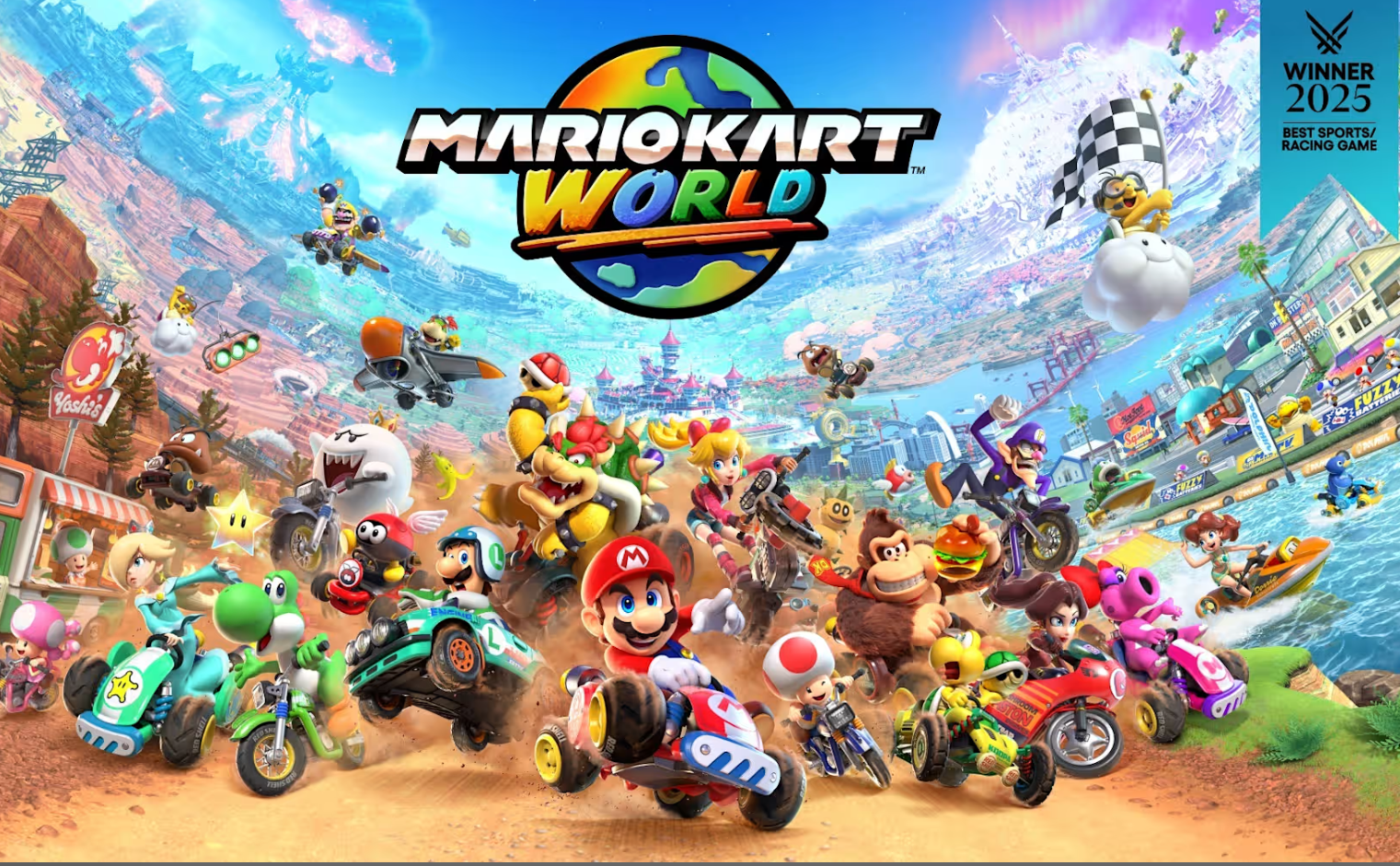
Super Mario Kart World
NINTENDO SWITCH
-
![]()
Rocket League
NINTENDO SWITCH, PLAYSTATION, XBOX, PC
-
![]()
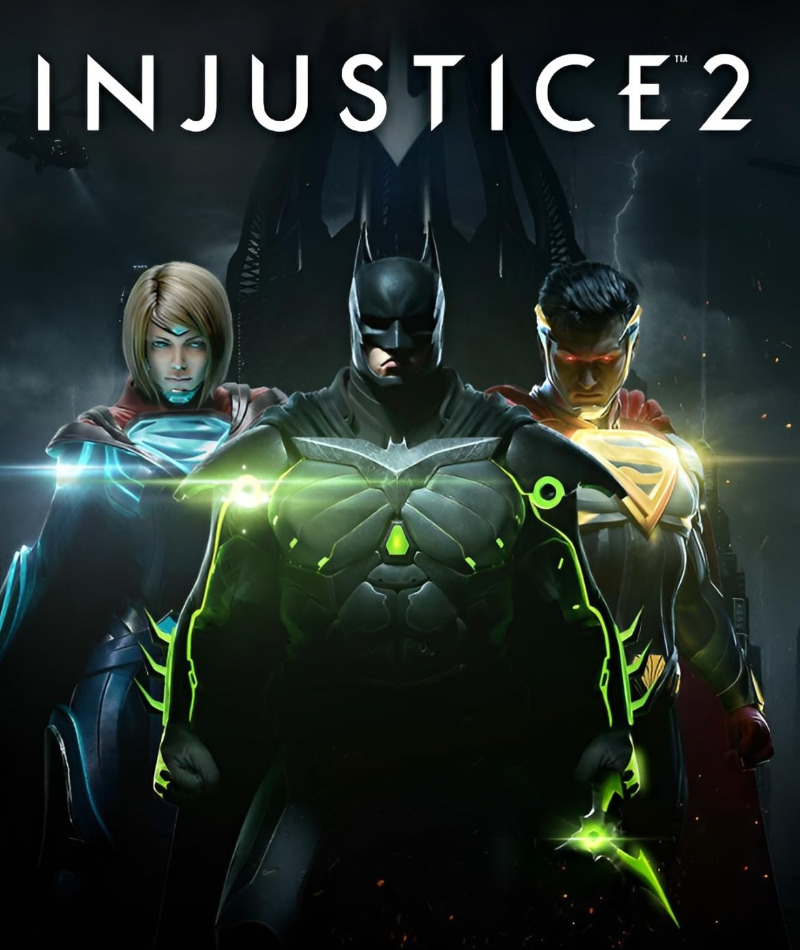
Injustice 2
PLAYSTATION, XBOX, PC
-
![]()
Forza
PLAYSTATION, XBOX, PC
-
![]()
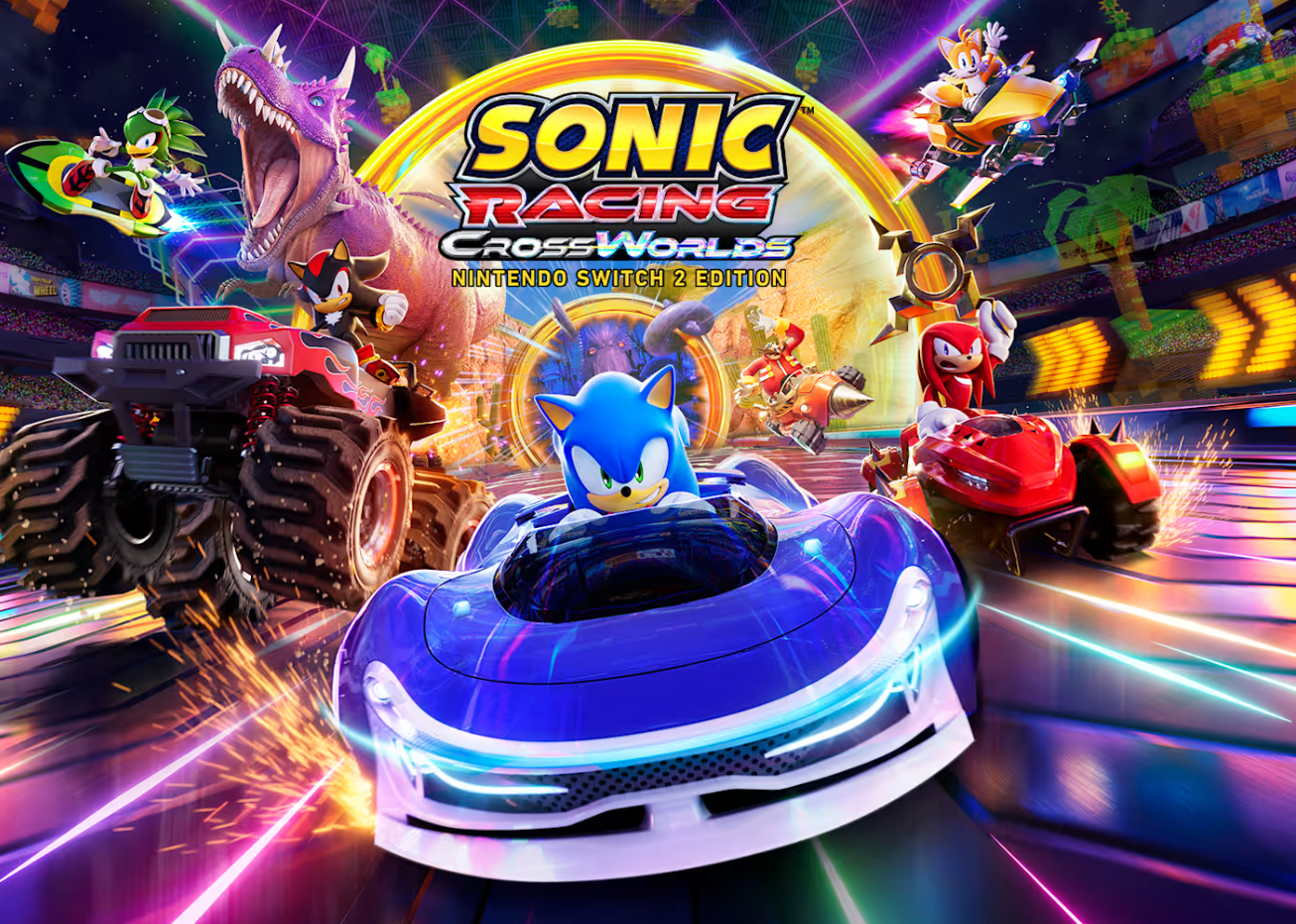
Sonic Racing CrossWorlds
NINTENDO SWITCH, PLAYSTATION, XBOX
-
![]()
Overcooked
NINTENDO SWITCH, PLAYSTATION, XBOX, PC
-
![]()
Untitled Goose Game
NINTENDO SWITCH, PLAYSTATION, XBOX, PC
-
![]()
TMNT: Shredder's Revenge
NINTENDO SWITCH, PLAYSTATION, XBOX, PC
-
![]()
Dirt
PLAYSTATION, XBOX, PC
-
![]()
LEGO Star Wars
NINTENDO SWITCH, PLAYSTATION, XBOX, PC
-
![]()
Fast & Furious: Arcade Edition
NINTENDO SWITCH, PLAYSTATION, XBOX, PC
-
![]()
Super Mario Party Jamboree
NINTENDO SWITCH
-
![]()
Moving Out
NINTENDO SWITCH, PLAYSTATION, XBOX, PC
-
![]()
Unravel Two
NINTENDO SWITCH, PLAYSTATION, XBOX, PC
-
![]()
Kirby Air Riders
NINTENDO SWITCH
-
![]()
Marvel Cosmic Invasion
NINTENDO SWITCH, PLAYSTATION, XBOX, PC






Examples of Intermediate Games
-
![]()
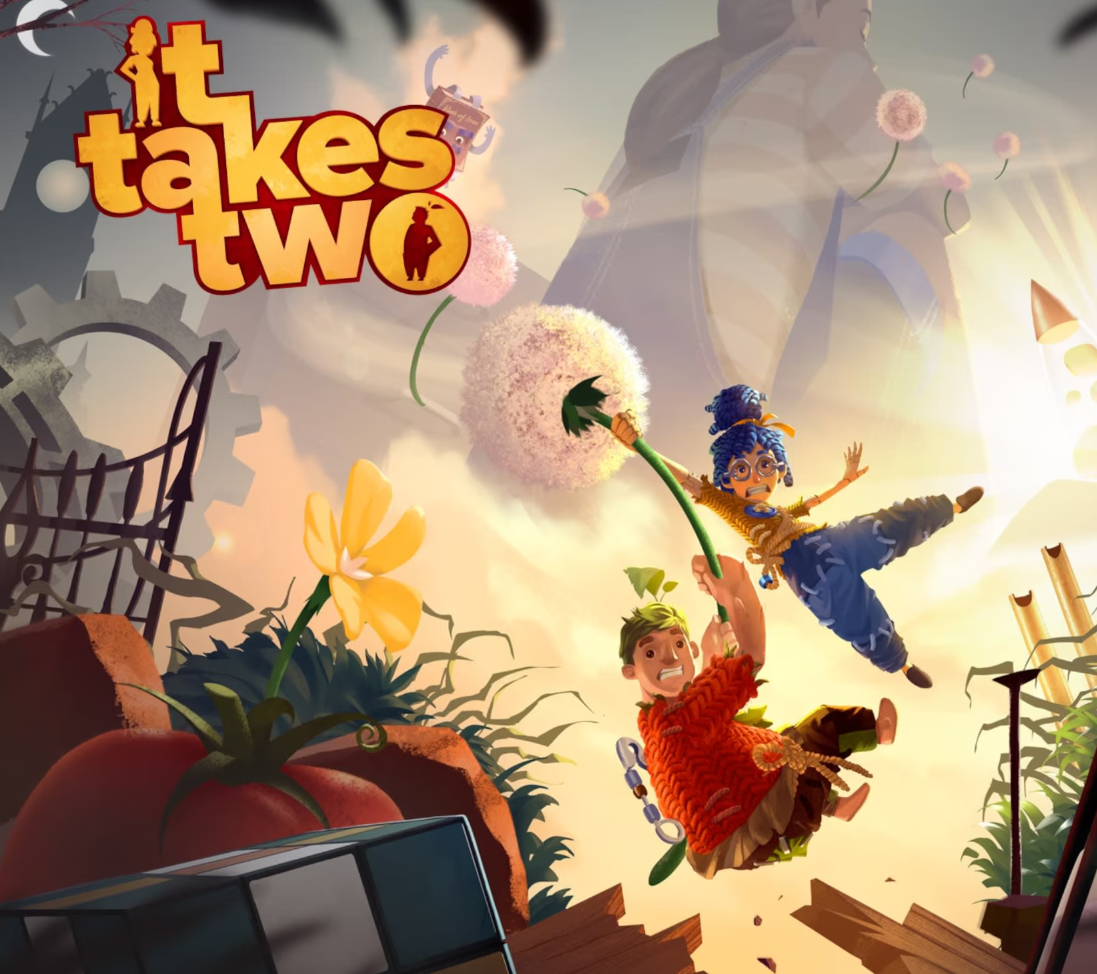
It Takes Two
NINTENDO SWITCH, PLAYSTATION, XBOX, PC
-
![]()
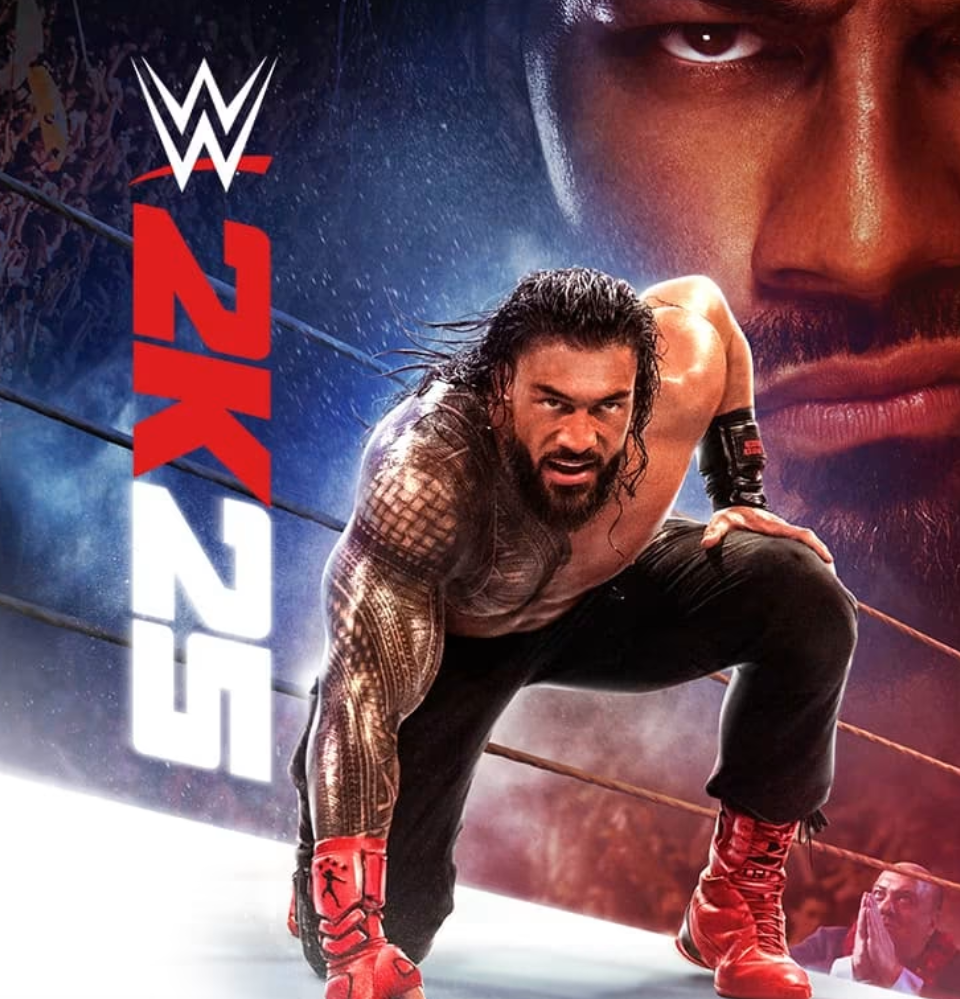
WWE 2K25
NINTENDO SWITCH, PLAYSTATION, XBOX, PC
-
![]()
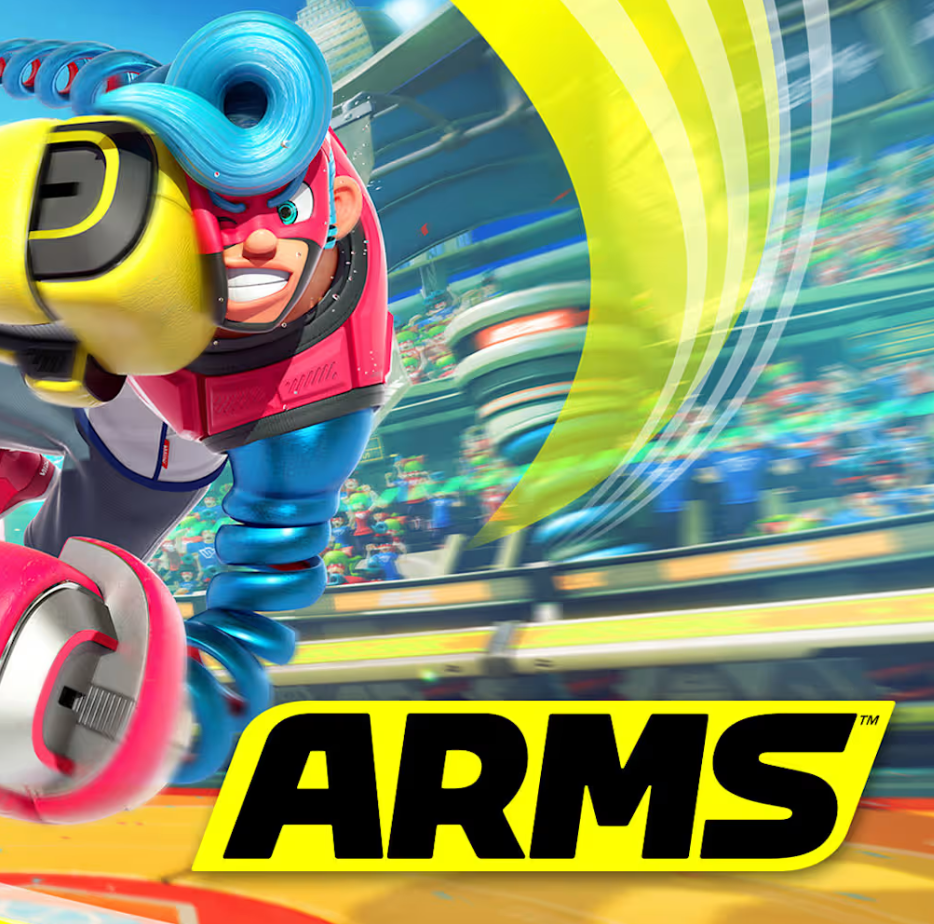
ARMS
NINTENDO SWITCH
-
![]()
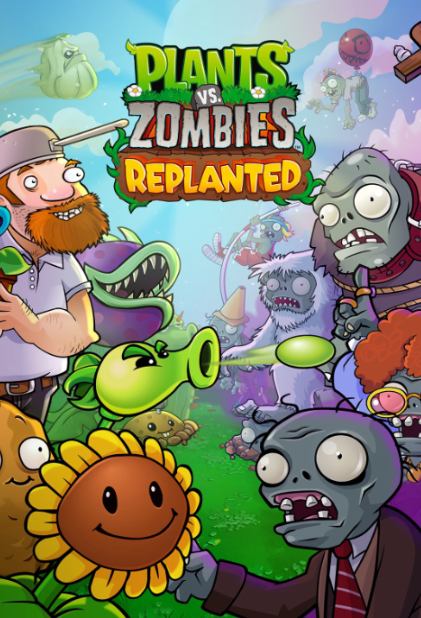
Plants vs. Zombies
NINTENDO SWITCH, PLAYSTATION, XBOX, PC
-
![]()
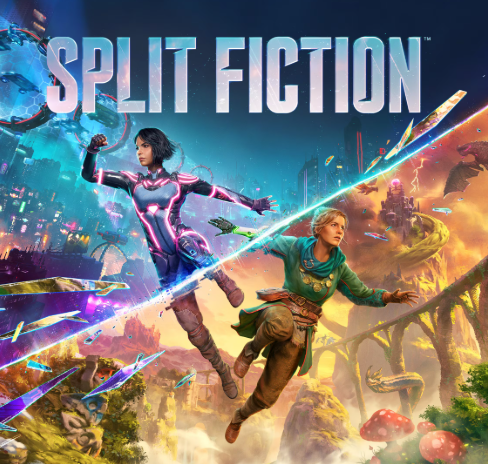
Split Fiction
NINTENDO SWITCH, PLAYSTATION, XBOX, PC
-
![]()
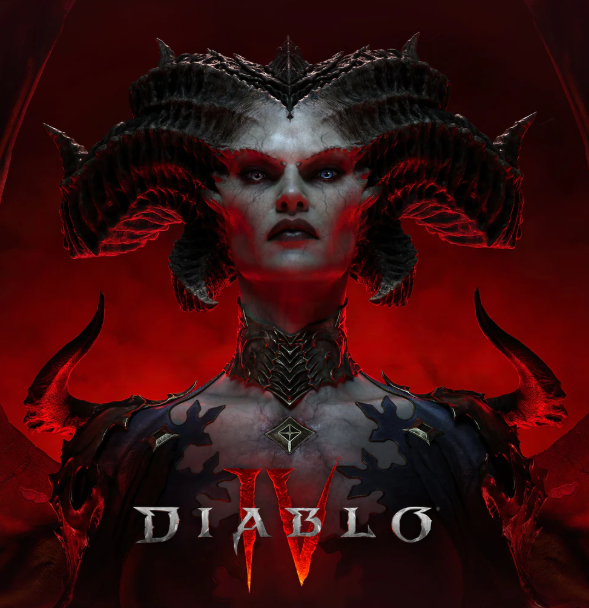
Diablo
NINTENDO SWITCH, PLAYSTATION, XBOX, PC
-
![]()
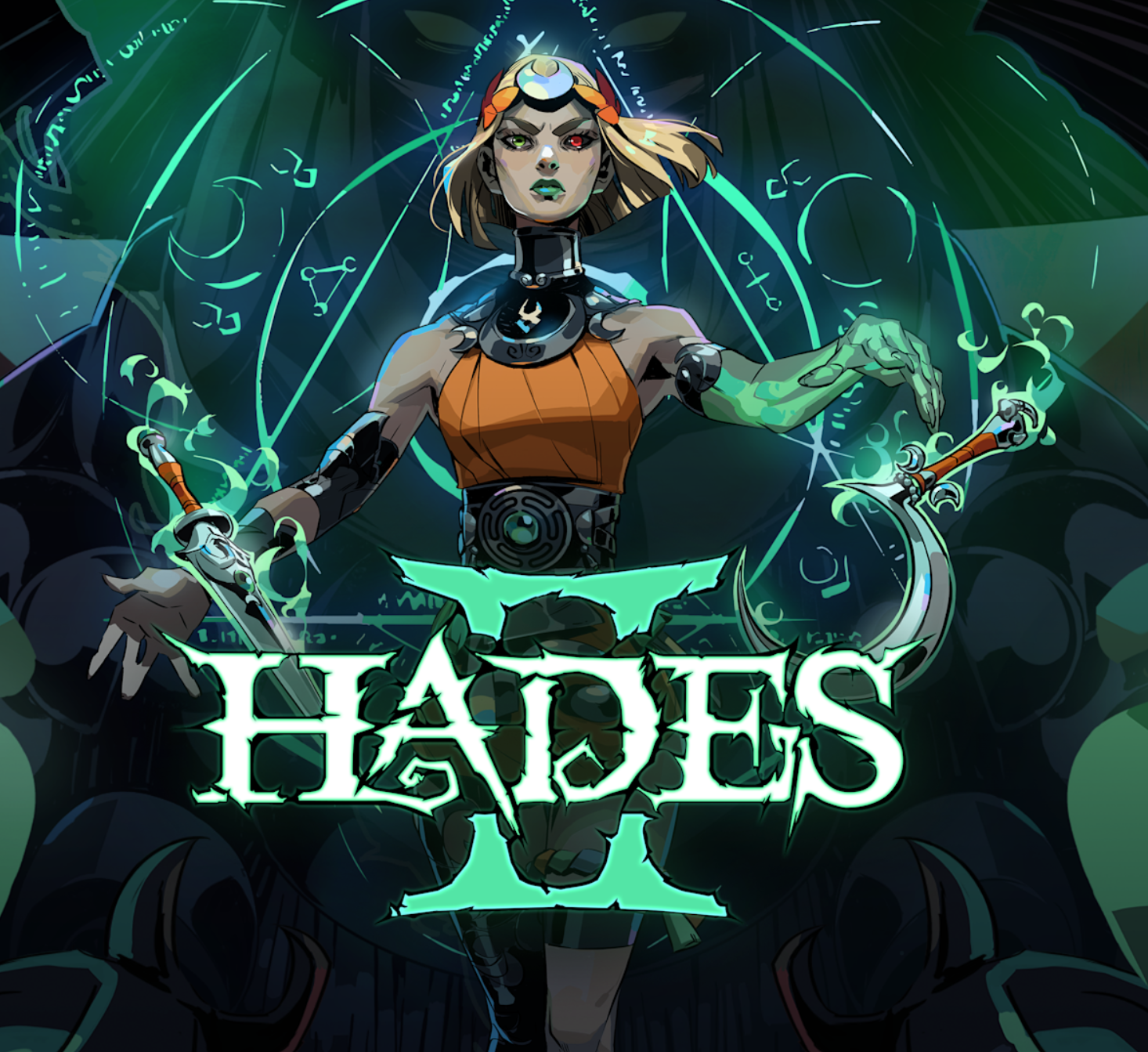
Hades 2
NINTENDO SWITCH, PC
-
![]()
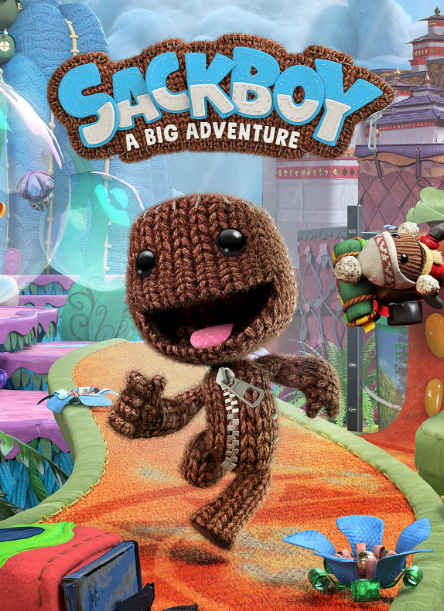
Sackboy
PLAYSTATION, XBOX, PC
-
![]()
FC
NINTENDO SWITCH, PLAYSTATION, XBOX, PC
-
![]()
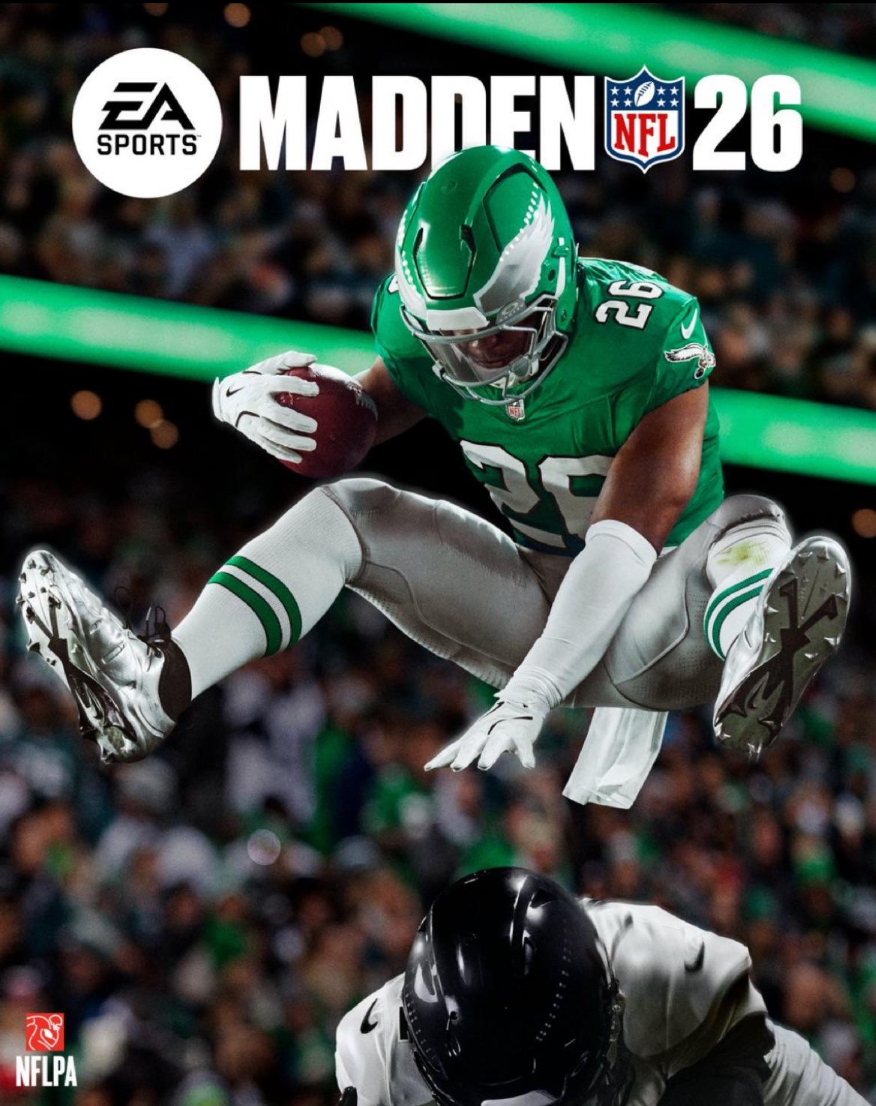
Madden NFL
NINTENDO SWITCH, PLAYSTATION, XBOX, PC
-
![]()
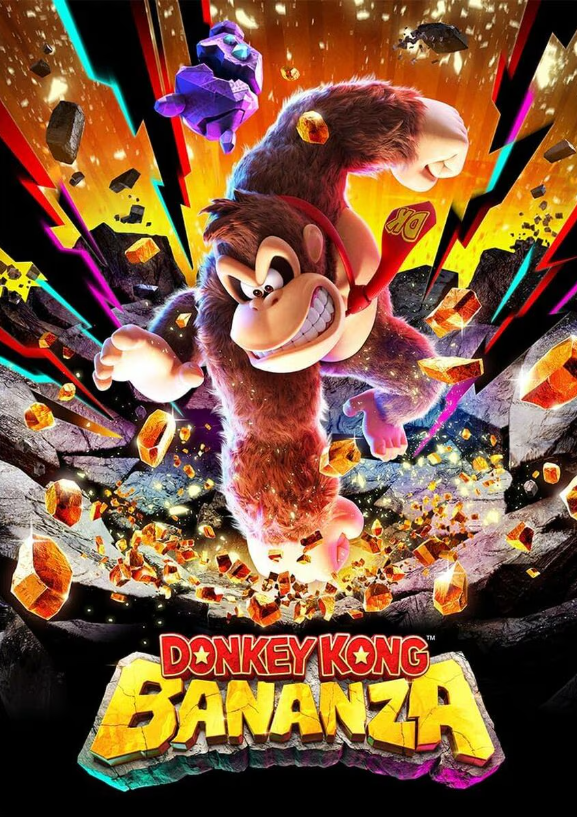
Donkey Kong Bananza
NINTENDO SWITCH
-
![]()
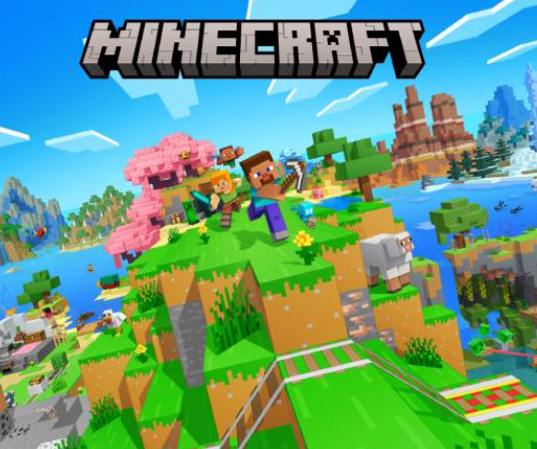
Minecraft
NINTENDO SWITCH, PLAYSTATION, XBOX, PC
-
![]()
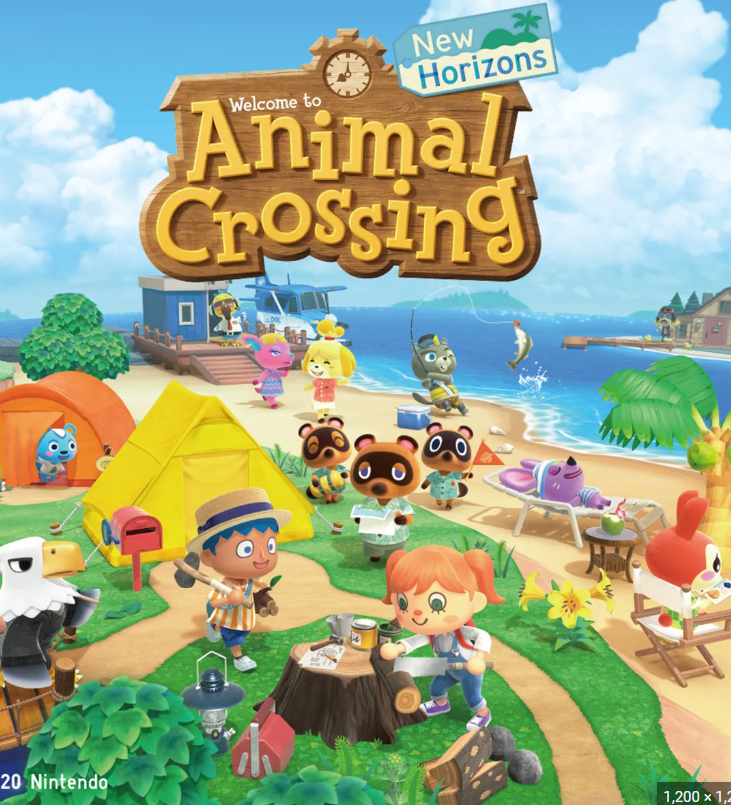
Animal Crossing
NINTENDO SWITCH
-
![]()
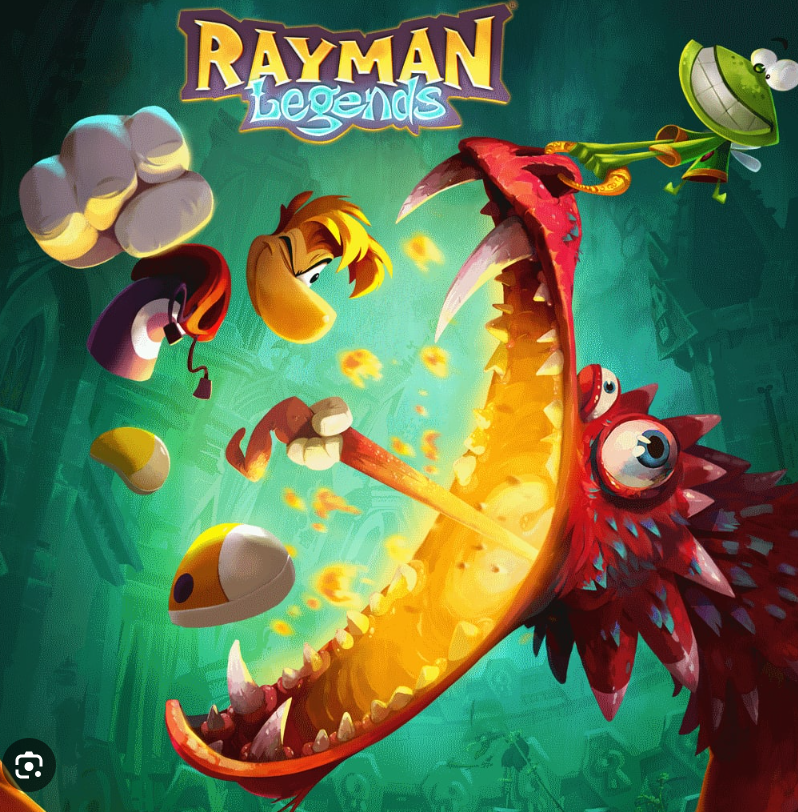
Rayman Legends
NINTENDO SWITCH, PLAYSTATION, XBOX, PC

Examples of Hard Games
-
![]()
Star Wars Battlefront II
PLAYSTATION, XBOX, PC
-
![]()
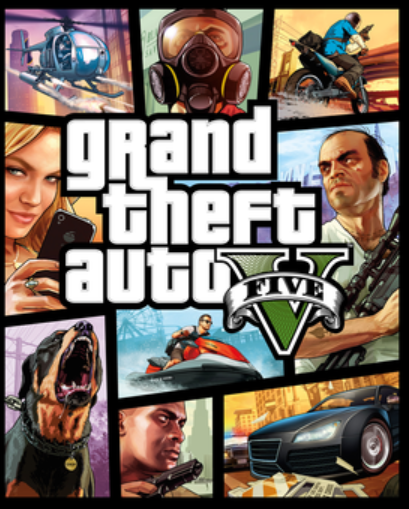
Grand Theft Auto
NINTENDO SWITCH, PLAYSTATION, XBOX
-
![]()
Call of Duty
PLAYSTATION, XBOX, PC
-
![]()
Fortnite
NINTENDO SWITCH, PLAYSTATION, XBOX, PC
-
![]()
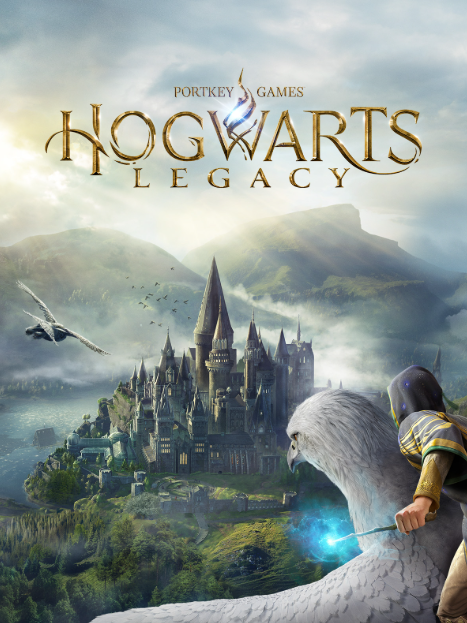
Hogwarts Legacy
NINTENDO SWITCH, PLAYSTATION, XBOX, PC
-
![]()
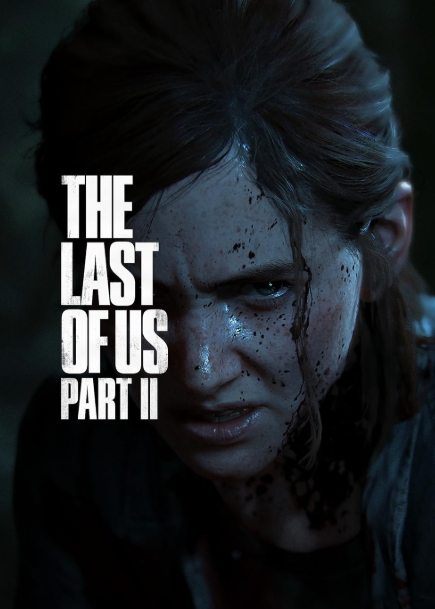
The Last of Us Part II
NINTENDO SWITCH, PC
-
![]()
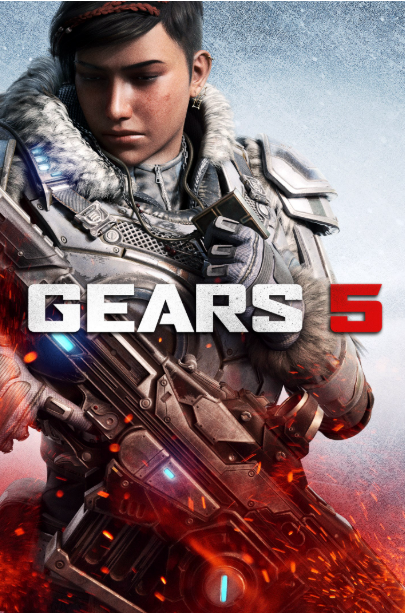
Gears 5
XBOX, PC
-
![]()
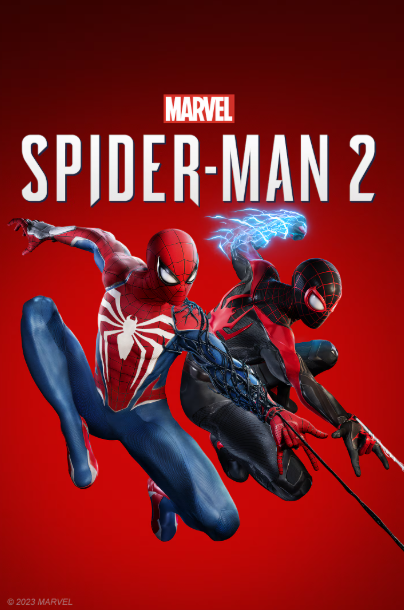
Spiderman 2
PLAYSTATION
-
![]()
Ghost of Yotei
PLAYSTATION
-
![]()
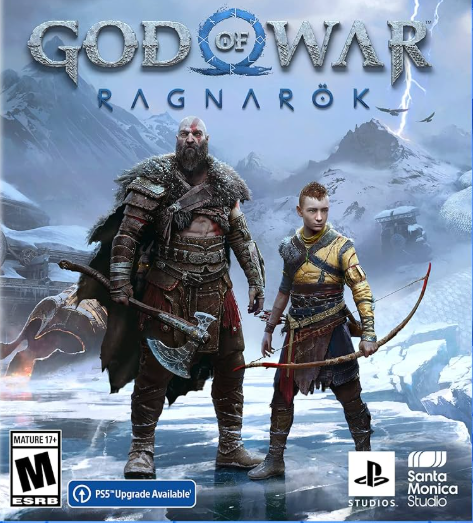
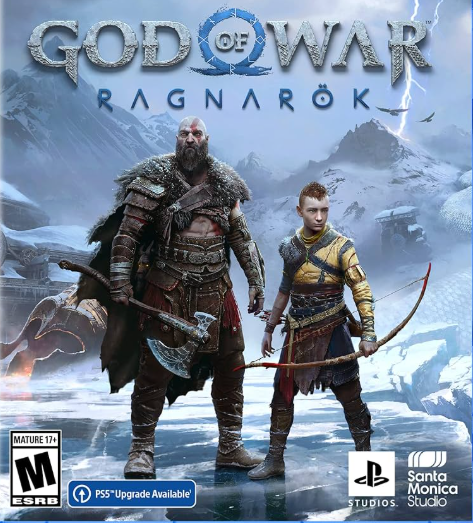
God of War Ragnarok
PLAYSTATION
-
![]()
Elden Ring
PLAYSTATION, XBOX, PC
-
![]()
The Legend of Zelda
NINTENDO SWITCH
-
![]()
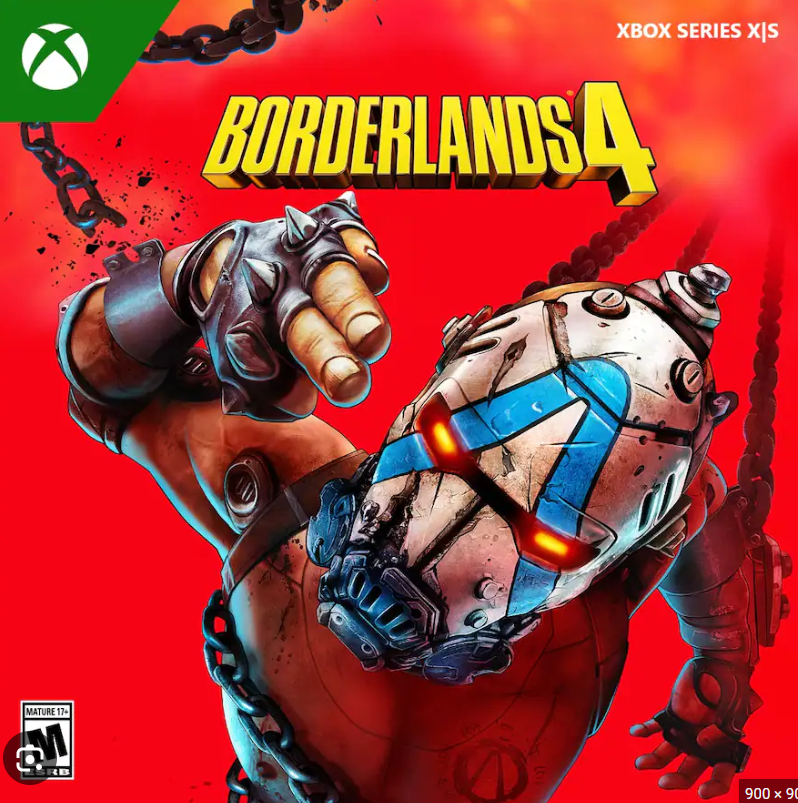
Borderlands
NINTENDO SWITCH, PLAYSTATION, XBOX, PC
-
![]()
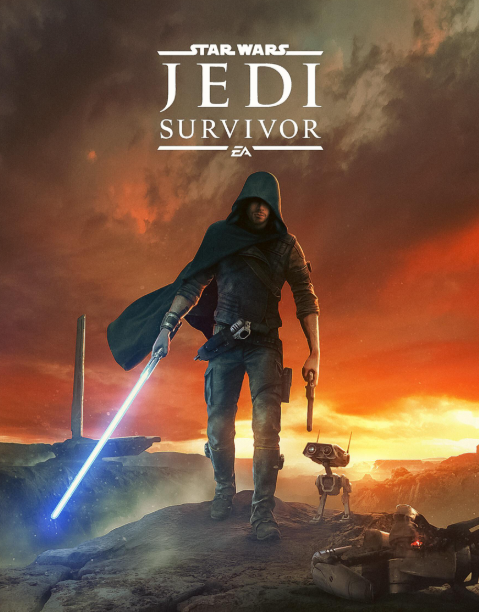
Star Wars Jedi Survivor
PLAYSTATION, XBOX, PC
-
![]()
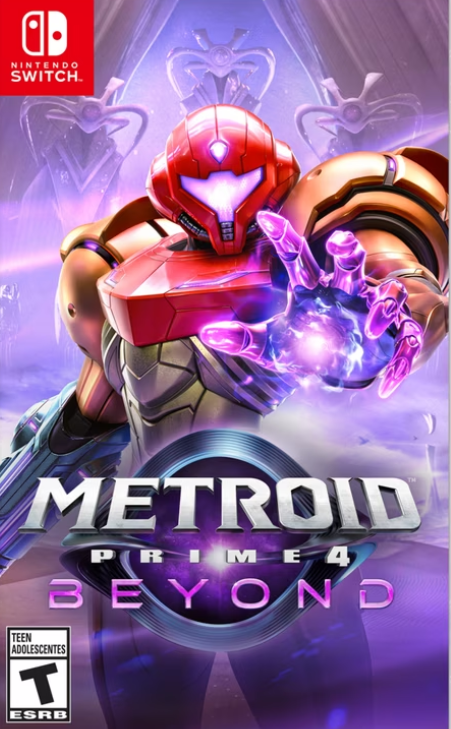
Metroid Prime 4
NINTENDO SWITCH





Examples of Accessible Games
-
![]()
Super Mario Kart World
The motor accessibility settings in the game include options to turn Smart Steering, Auto-Accelerate, Auto-Use Item, and Tilt Controls on or off.
-
![]()
FC 26
The motor accessibility settings in the game include simplified control schemes, full button remapping for gameplay and menu navigation, an option for Simplified Skill Moves to replace complex inputs, and settings to adjust controller vibration.
-
![]()
Gears 5
The motor accessibility settings in the game include options to help with aiming, controller input, and button presses, such as Target Lock, Single Stick Movement, Swap Sticks While Aimed, Face Trigger Control Scheme, Aim Toggle, customizable Controller Remapping, replacing quick Button Tap Challenges with a hold, and turning off Controller Vibration.
-
![]()
Battlefield 6
The motor accessibility settings in the game allow for deep control remapping for all actions, a Holds to Toggles submenu to eliminate holding buttons for many actions, and granular Aim Assist options.
-
![]()
The Last of Us: Part II
The motor accessibility preset in the game configures settings like Lock-On Aim (Auto-Target), Auto Weapon Swap, Auto Pick Up, Navigation and Traversal Assistance, and changing repeated button presses to a hold.
-
![]()
Ratchet & Clank: Rift Apart
The motor accessibility settings in the game offer options for customizing control shortcuts, slowing down the game speed, and providing toggles for fire mode, aiming, and swinging to reduce button-holding and rapid presses.
-
![]()
Celeste
The motor accessibility settings in the game allow players to adjust the game speed, enable Infinite Stamina, grant multiple or Infinite Air Dashes, provide Dash Assist for precision, and turn on Invincibility to reduce the need for precise, fast, and repetitive inputs.
-
![]()
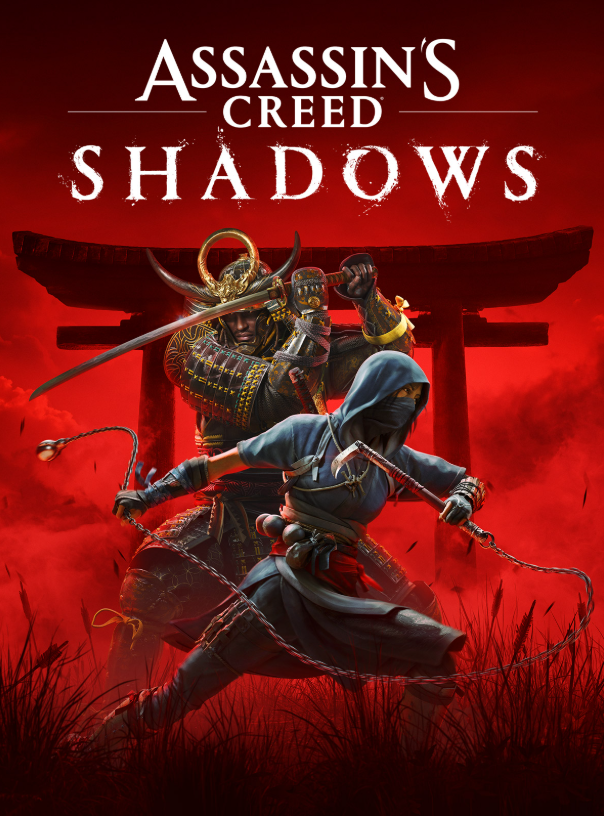
Assassin's Creed Shadows
The motor accessibility settings in the game include full control customization, adjustable controller sensitivity and deadzones, aim assist, auto-movement, and options to set quick-time events (QTEs) to simplified or automatically complete.
-
![]()
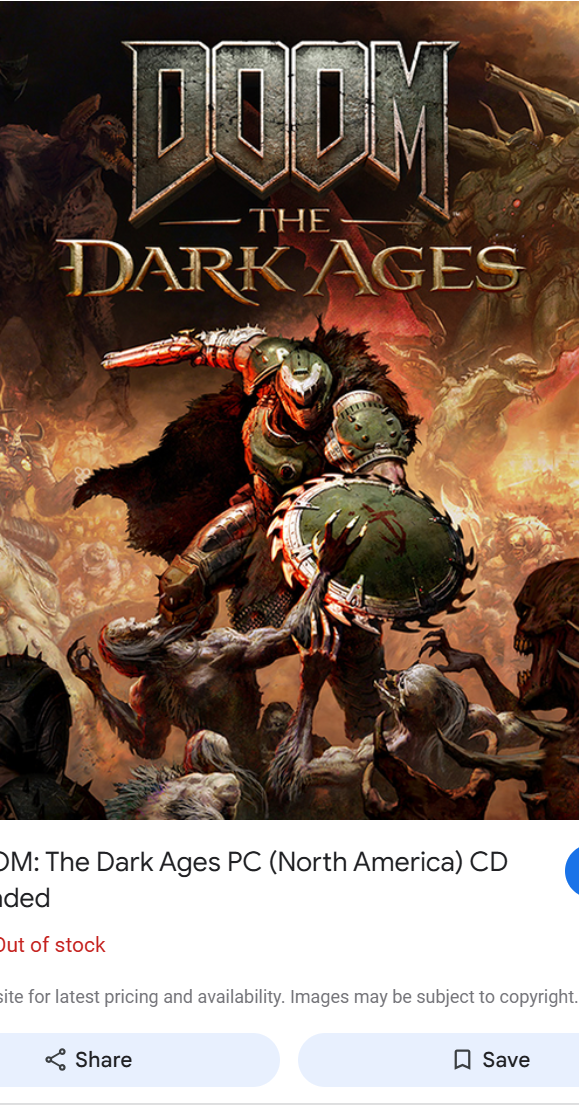
Doom: The Dark Ages
The motor accessibility settings in the game include full control remapping, a Game Speed adjuster, toggle options to replace hold actions for Dragon Lock-On, Shield Block, and UI Actions, and Enhanced Targeting to provide aiming forgiveness.
-
![]()
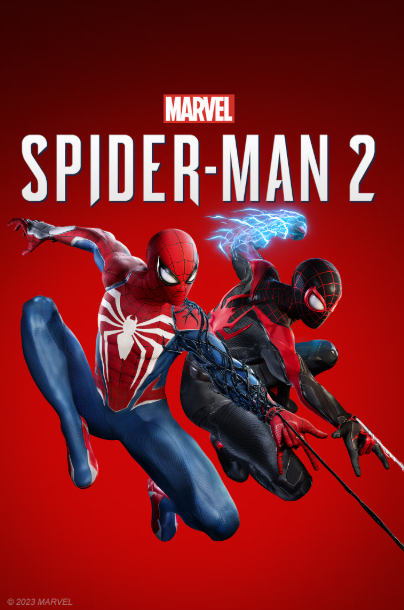
Spiderman 2
The motor accessibility settings in the game offer a Motor Preset that provides toggle options to replace holding buttons, allows for continuous actions like dodging, changes repeated button presses to a hold, includes game speed adjustments, and offers assists for combat, traversal, and puzzles.
-
![]()
Indiana Jones & The Great Circle
The motor accessibility settings in the game provide options for full control remapping on controller and keyboard, toggle controls to replace many hold actions, adjustable deadzones for thumbsticks and triggers, and aim assistance with adjustable strength.
-
![]()
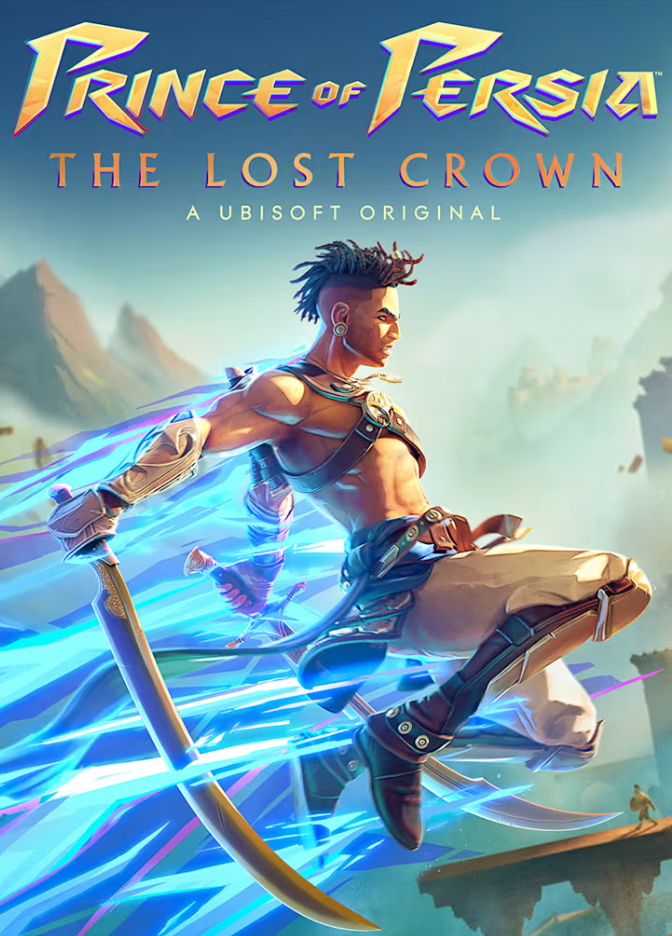
Prince of Persia: The Lost Crown
The motor accessibility settings in the game include options for customizing all controls, enabling aim assist and melee targeting assist, and turning on Auto Unfreeze to replace button mashing.
-
![]()
God of War Ragnarok
The Motor Accessibility Preset in the game adjusts settings like puzzle timing and aim assist, menu holds, repeated button presses, sprint/mini-game style, and toggle options for aiming and blocking to accommodate players with physical or mobility disabilities.